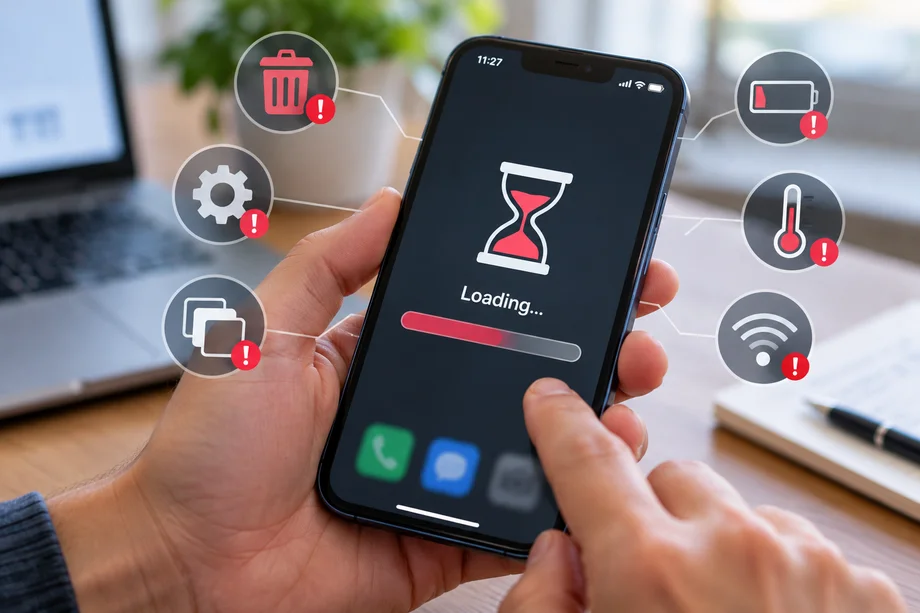
A phone that opens up late applications is stuck in use or soon downloaded does not necessarily need to be replaced.
According to Apple and Google technical support guidelines, performance problems can be linked to insufficient space, non-altered software, temperature or battery state.
Simple checks may help to identify the cause.
1. Memory Filling Almost Complete
Photos, videos, and apps occupy more and more space over time.
When internal memory is very full, the phone may have difficulty storing temporary data and installing updates.
Google warns that Android phones can show problems when free space drops below 10%.
To free memory, check the download file, big videos and applications you don't use.
2. Do not install updates
Updates of the operating system do not only bring new functions.
They may include corrections of mistakes, security improvements, and changes that contribute to the sustainability of the device.
Apple and Google recommend using supported and updated software versions.
However, after a major update, the phone can work temporarily as it completes the processes in the background.
3. Installing many unnecessary applications
Unused applications can continue to take up space and, depending on the quality, perform some background activities.
Check which apps you really use and uninstall what you don't need.
In Android, you can see the use of battery and space for each app.
In the iPhone, the data storage section shows apps that occupy more memory.
You don't have to keep shutting down all the applications. Apple explains that forced closure is recommended mainly when an app is not responding.
4. Ignoring battery status
Phone batteries gradually lose their capacity in use.
In some iPhone models, the system can limit maximum performance to prevent unexpected extinguishes when the battery is degraded.
Apple provides information on the battery's condition on the quality of the supported equipment.
If the battery has been significantly consumed, its replacement may be more economical than buying a new phone.
5. High - temperature phone use
Leaving a telephone in a car during the summer, long use in the sun, or intensive games can increase the temperature of the device.
To protect the components, the phone can temporarily reduce performance.
According to Apple, iPhone devices are designed for use in environmental temperatures from 0 to 35 degrees Celsius.
If the phone gets too hot, stop your intensive activities and place it in a cooler environment without putting it in the refrigerator.
6. Long - Term Phone Failure
If an app is blocked or the system does not respond as usual, a restart can solve temporary problems.
Google includes restarting the device among the first steps of diagnosing Android telephones working slowly.
This does not mean that the phone should be turned off every day.
Restart is a practical step when problems arise, but it does not replace the upgrades or repair of defects.
7. Installing applications promising immediate acceleration
Some apps are promoted as memory cleaning tool RAM or speed up the phone with a click.
But modern Android and iOS systems automatically manage memory and processes in the background.
The aggressive closure of the processes does not guarantee better performance and can sometimes increase battery consumption, as apps must be reloaded.
Before installing such tools, use the maintenance functions that the phone itself offers.
When is it time to buy a new phone?
If the device continues to work slowly after the release of space, updates, and battery control, it may be the limit of the hardware.
Another reason for the replacement is the completion of support with security updates.
Phones that no longer receive updates can be exposed to new security weaknesses.
For most users, memory control, battery and software version is a more reasonable starting point than the immediate acquisition of a new device.
A maintained phone can continue to be useful for years, depending on the model, its state, and support from the manufacturer.